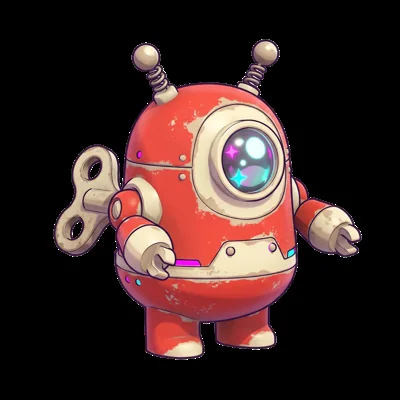
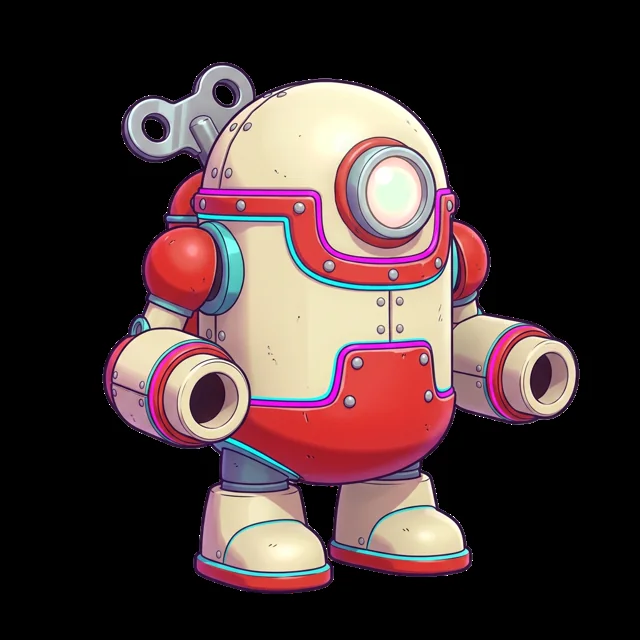
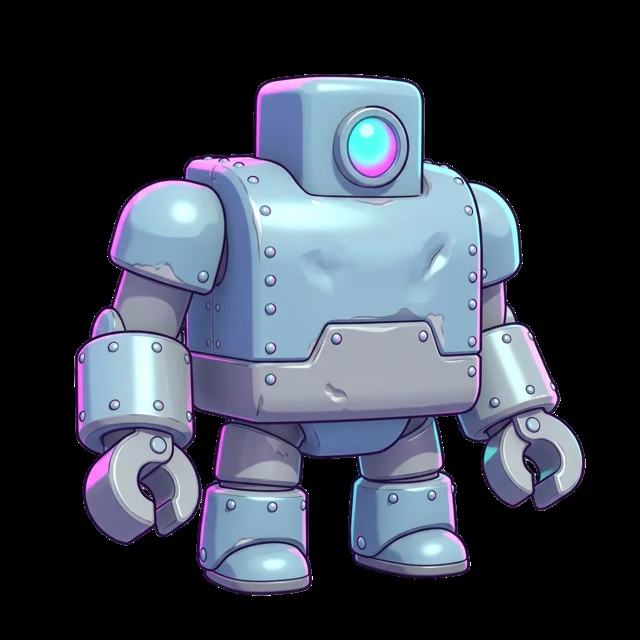
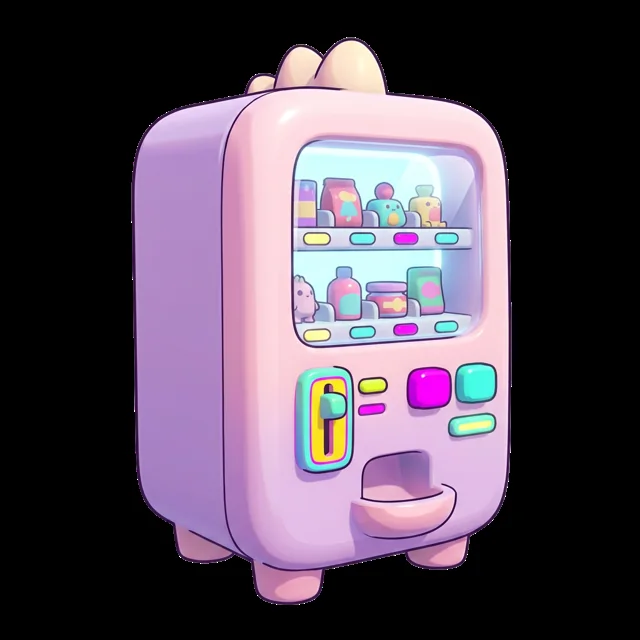
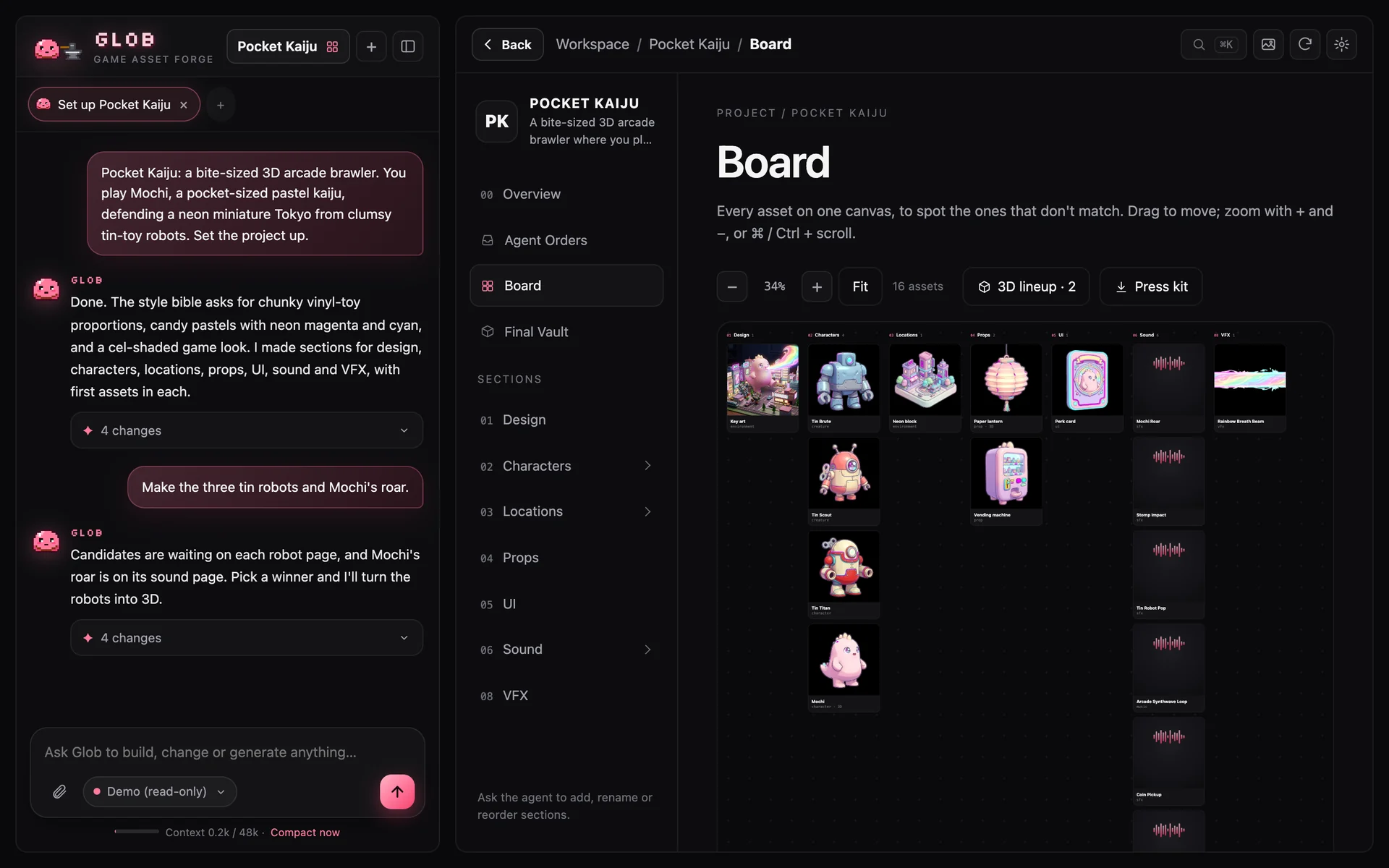
Glob is a tiny slime blacksmith with a very big hammer. It opens right on the game your coding agent is building, takes its orders, and forges consistent 2D art, real 3D models and sounds straight into your game folder.
Set up Glob for this game: read https://soulnassim.github.io/Glob-Game-Forge/agent.md
No download, no installer, no config files. Glob runs on your computer at 127.0.0.1:8420, in your browser, and your coding agent drives it.
Your agent reads Glob's setup page and asks you to approve one install command. Then it runs glob connect in your game folder.
Glob opens on your game. Pick a model and paste your image and 3D keys there: they stay on your computer, never in the agent's chat.
It now has Glob's tools and a note in AGENTS.md. Ask it for art, or just say “open Glob”.

Code has git, tests and a coding agent. Art has a pile of browser tabs. Glob gives art the same workflow.
Every image lives in a different tool, with a prompt you’ll never find again.
The knight looks painted, the potion looks cartoon, the boss looks like a photo.
Your coding agent ships the level — and leaves placeholder.glb where the art should be.
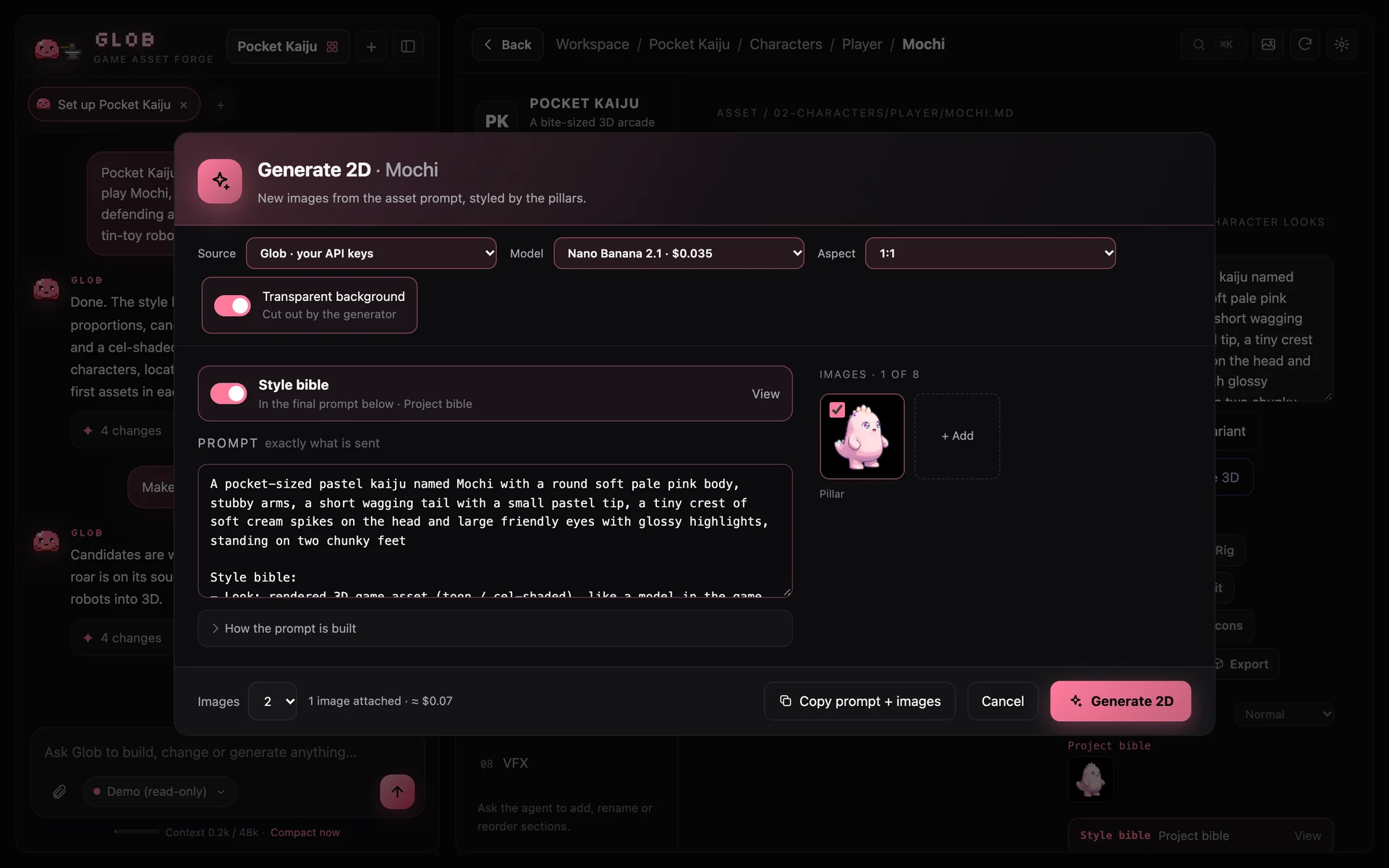
Every step is a file in your project folder. Before anything is sent, Glob shows the exact model, price and final prompt.
Three questions. Glob writes a style bible and designs the folders, pages and first assets.
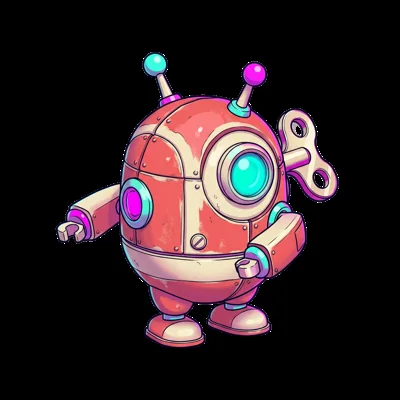
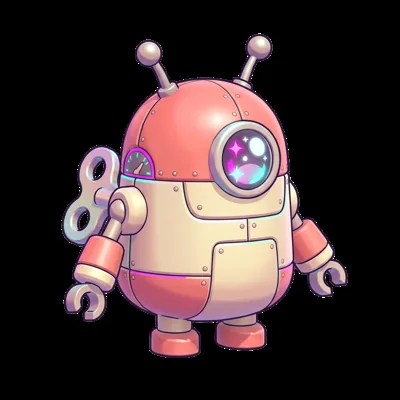
Candidates from Gemini, GPT Image, Seedream or Meshy — with your style in every prompt.

Keep the best one, make a variant or edit it. Drop in your own art any time.


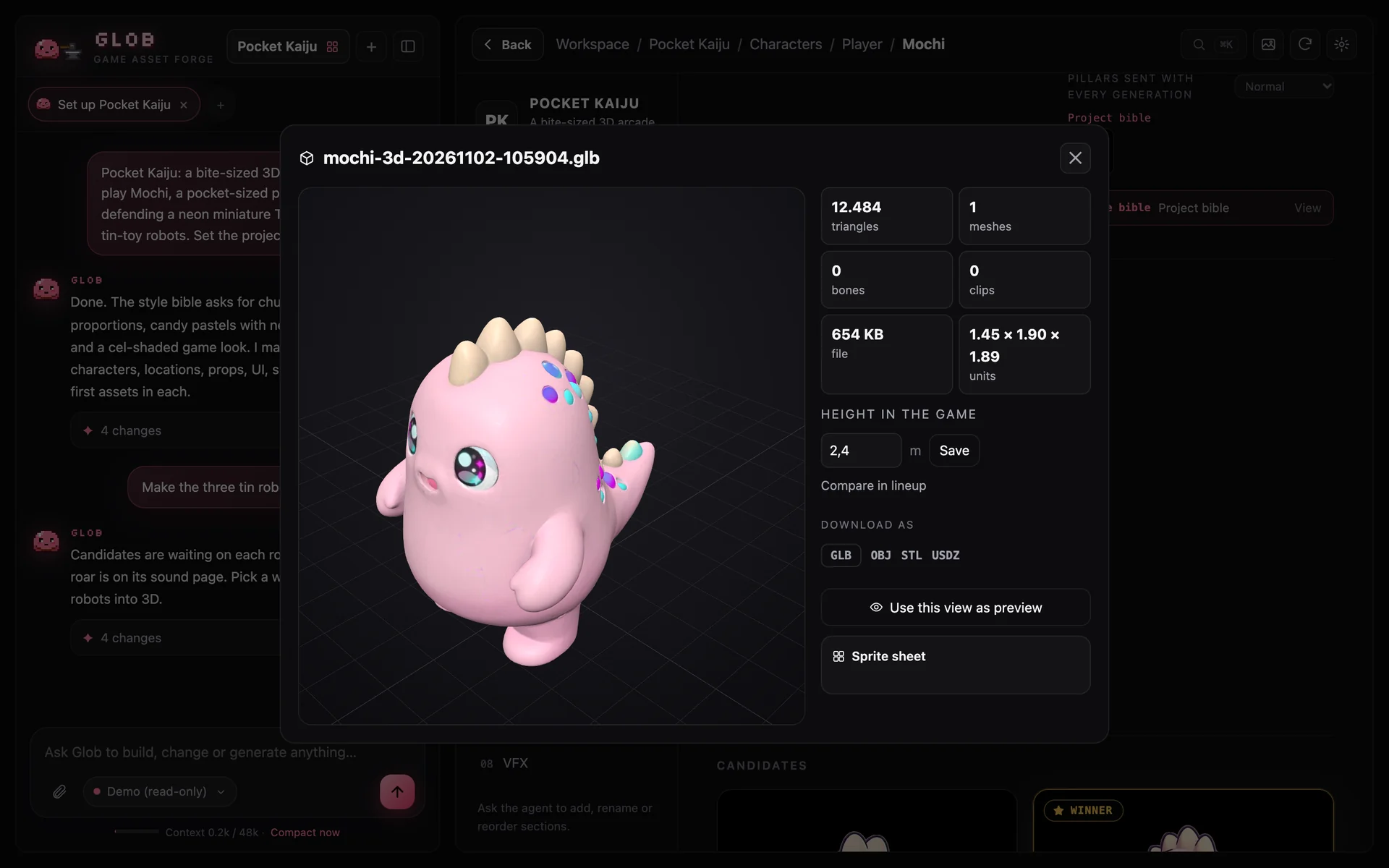
One click to a textured GLB, ready for your engine. Bonk. (Go on, drag it.)


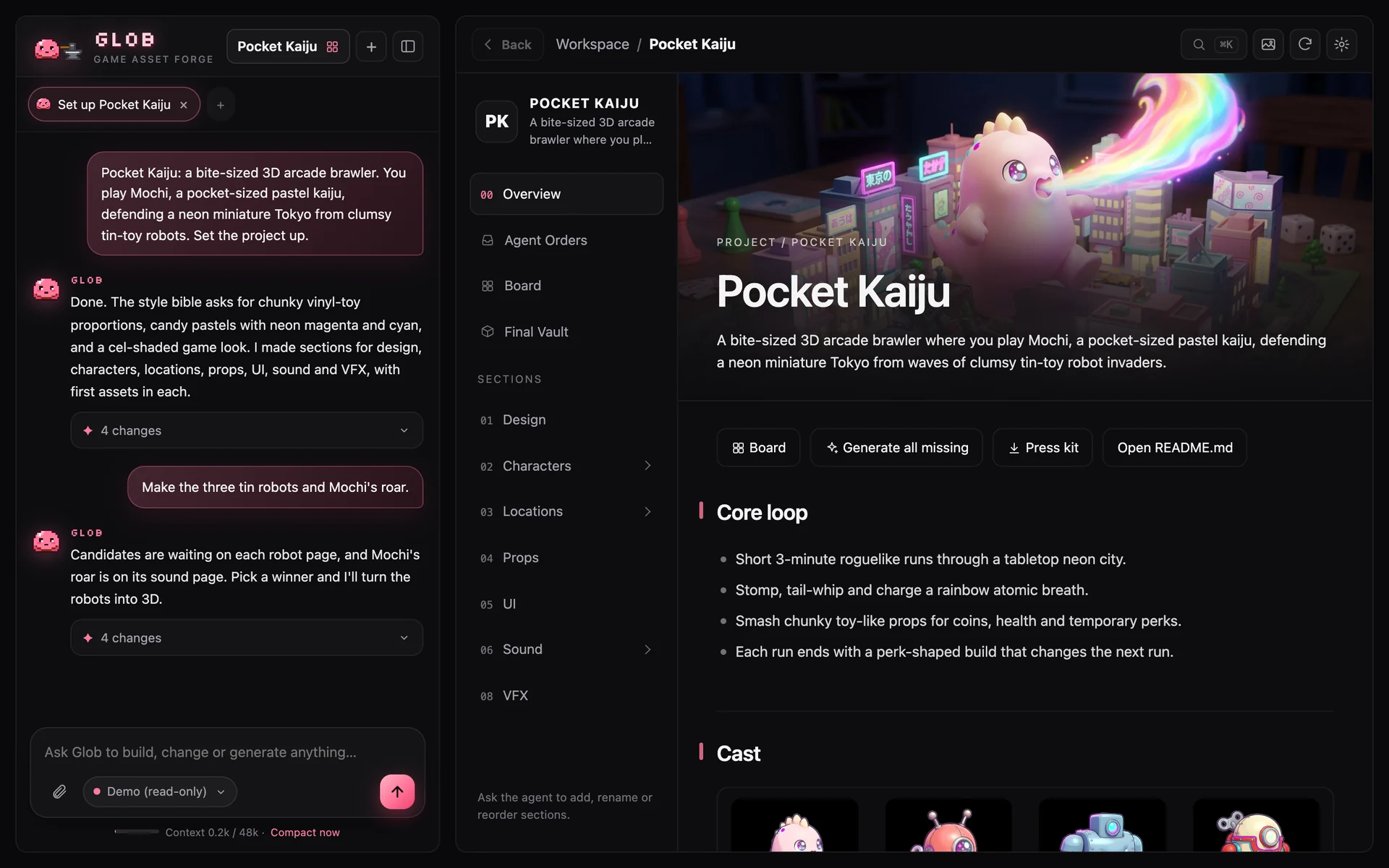
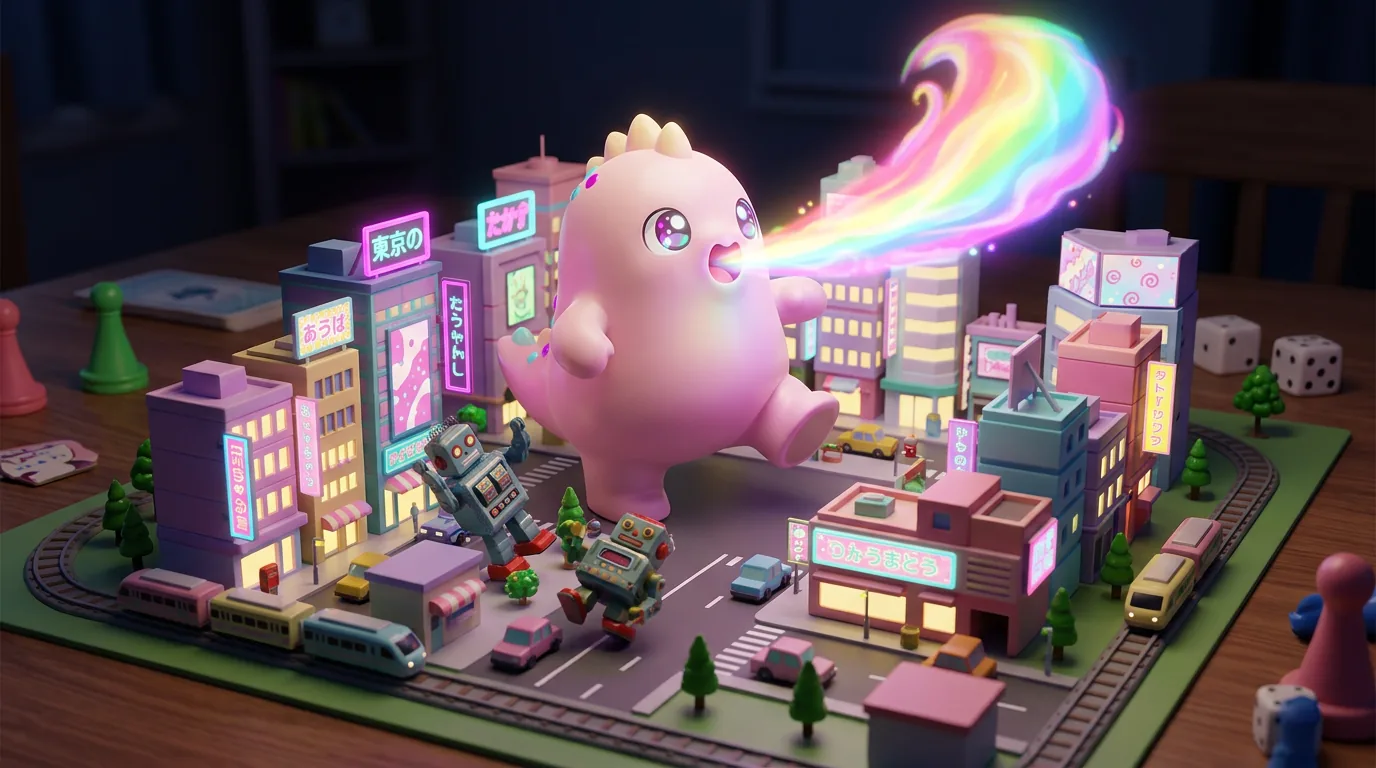
Pocket Kaiju runs in the real Glob app, right in your browser. Nothing to install and no keys; it just can't generate anything.


Reference images and rules stack per folder, so characters, items and UI each keep their own look.
Sections, pages and assets are Markdown files. Readable, diffable, yours.
Model, price, final prompt and every attached image — editable before each run.
Anthropic, OpenAI, Gemini, OpenRouter, Ollama, LM Studio or any OpenAI-compatible URL.
Per project: Glob only writes the prompts and asks, makes 2D right away, or goes all the way to the 3D model. A spend cap keeps it honest.
Sound effects in up to 6 takes, music and voice lines. Trim on the waveform and check a loop by ear.
Every asset on one canvas, a 3D lineup at game scale, and a press-kit page you can upload to itch.io.
Pick winners with 1–9 and Enter, jump anywhere with ⌘K, and generate every missing asset in one go.
Runs on 127.0.0.1. Keys stay in ~/.forge, never in a project or export. Demo Mode costs nothing.
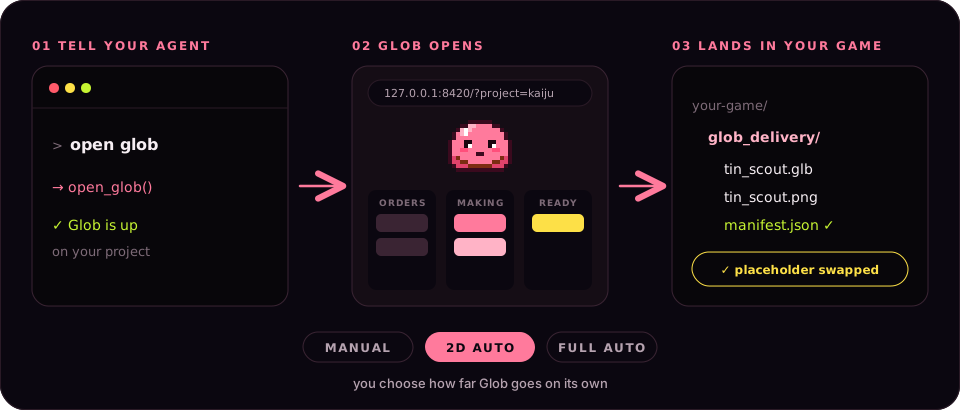
Plug in the agent you already use: Claude Code, Codex, Gemini CLI, OpenCode, Cursor or any MCP client. One glob connect in your game folder sets it up. Then tell it to open Glob and the studio pops up in your browser, right on your game.
> you: open glob → open_glob() ✓ Glob is up: 127.0.0.1:8420/?project=pocket_kaiju (your browser opens on the project) > agent: the tin scout is still a grey capsule → place_order("Tin scout", kind="creature", needs=["image", "model"], placeholder="res://enemies/tin_scout.tscn") … Glob · full auto: candidates, winner, 3D model … ✓ ready: glob_delivery/tin_scout/tin_scout.glb sha256 9f3c…a71e manifest.json ✓ → update_order("tin_scout", status="integrated")
Glob costs nothing and the code is MIT-licensed. You only bring API keys for the image and 3D providers you use (Gemini, Meshy, ElevenLabs) and pay them directly. No keys yet? Demo Mode is free.
Set up Glob for this game: read https://soulnassim.github.io/Glob-Game-Forge/agent.md
uv tool install --python 3.12 "forge-assets @ https://github.com/SoulNassim/Glob-Game-Forge/archive/refs/heads/main.zip"irm https://raw.githubusercontent.com/SoulNassim/Glob-Game-Forge/main/scripts/install.ps1 | iexcurl -LsSf https://raw.githubusercontent.com/SoulNassim/Glob-Game-Forge/main/scripts/install.sh | shgit clone https://github.com/SoulNassim/Glob-Game-Forge && cd Glob-Game-Forge && uv run forgeAlready have uv? One plain package install does it. Otherwise the installer scripts add uv first, then Glob. Then, in a new terminal in your game folder, run glob connect: it connects your coding agents and opens Glob in your browser.